
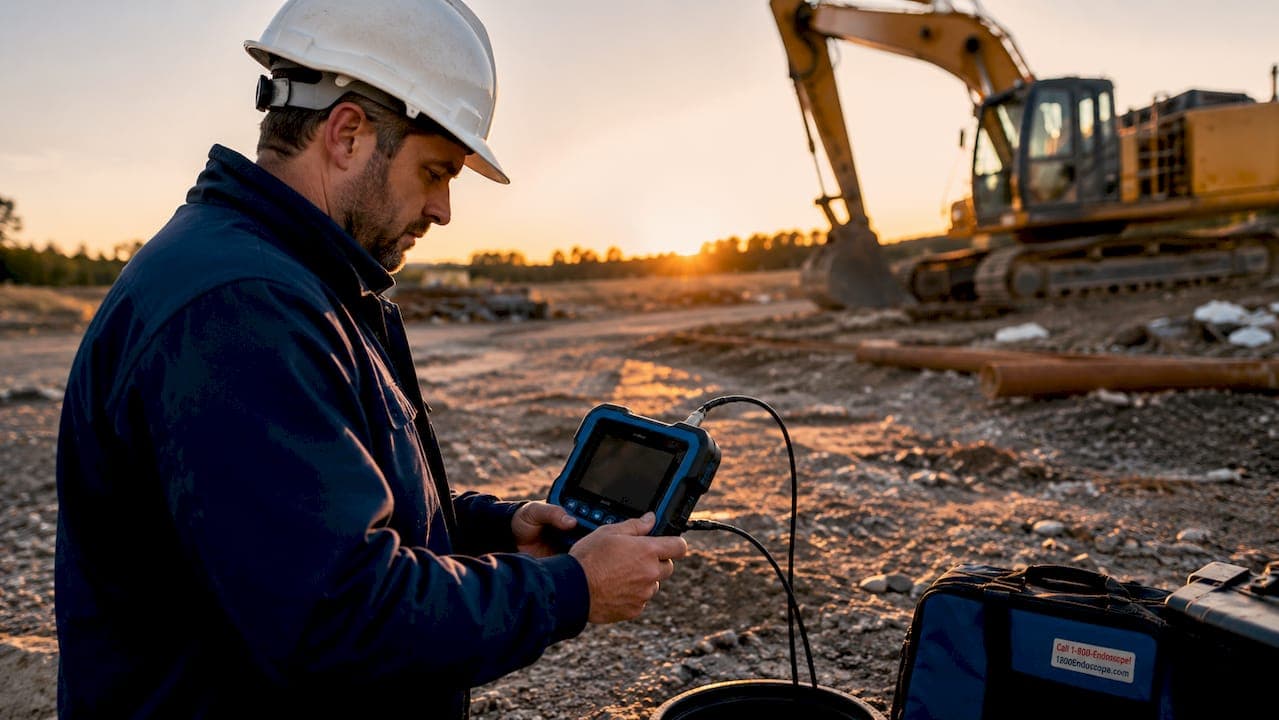
A portable inspection monitor is a compact, rugged display device built to provide real-time visual feedback during diagnostics and inspections in veterinary and industrial settings. Unlike a general tablet or laptop screen, these units are purpose-built for field conditions: they handle oils, dust, and physical impact while delivering low-latency video from connected cameras and endoscopes. Technicians working in veterinary clinics, engine bays, or confined industrial spaces rely on them to see exactly what their inspection camera sees, in real time, without returning to a workstation. The industry term you will encounter most often is "ruggedized portable monitor," though "portable inspection monitor" describes the same class of device in everyday professional use.
What is a portable inspection monitor, and how does it differ from a regular screen?
A portable inspection monitor is defined by three core properties: rugged construction, specialized video inputs, and field-ready power. A standard tablet or consumer portable screen shares none of these by design. Consumer screens prioritize thin profiles and wireless streaming. Inspection monitors prioritize signal integrity, physical durability, and tactile control.
The construction difference is the most immediate. IP65 and IP67 ratings certify that a device resists water jets and full immersion, respectively, along with dust and oil exposure. That certification matters when you are working inside a horse's airway or inspecting a hydraulic system with fluid everywhere.
Video input design is the second major distinction. Dedicated inspection monitors carry inputs such as SDI, HDMI, composite, and DVI-D, which reduce signal lag compared to wireless streaming or USB display adapters. Lag on a live endoscope feed causes disorientation and slows procedure time. A dedicated input eliminates that problem entirely.
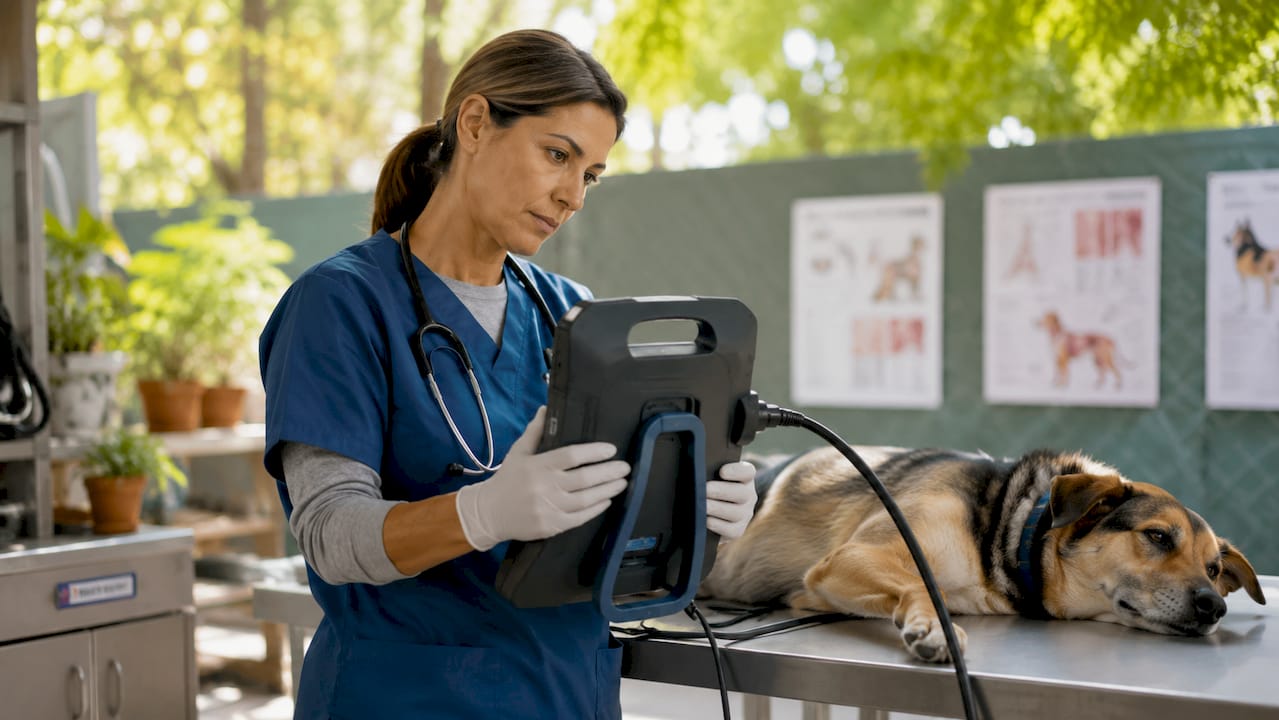
Physical control buttons are the third differentiator. Glove-friendly buttons let a technician freeze a frame, adjust brightness, or start a recording without removing protective gear. A touchscreen fails the moment you put on nitrile or leather gloves. Inspection monitors solve this with raised, tactile controls positioned for one-handed operation.
Key features that define a purpose-built inspection monitor:
- IP65 or IP67 waterproof and oil-proof housing for use in wet or contaminated environments
- Dedicated video inputs (SDI, HDMI, composite, DVI-D) for low-latency camera feeds
- Physical control buttons operable with work gloves
- IPS or ruggedized display panels with high brightness for outdoor or brightly lit spaces
- Long-duration battery rated for full field shifts, often with DC power input as a backup
- Onboard video recording to SD card or internal storage for documentation
Pro Tip: When evaluating display brightness, look for a minimum of 400 nits for indoor industrial use and 700 nits or higher for outdoor or brightly lit veterinary exam areas. Consumer portable monitors rarely exceed 300 nits.
What are the main uses of portable inspection monitors in veterinary and industrial work?
The application of portable inspection tools spans two very different professional worlds, yet the core function is identical: see what cannot be seen with the naked eye, in real time, without disassembly or invasive surgery.
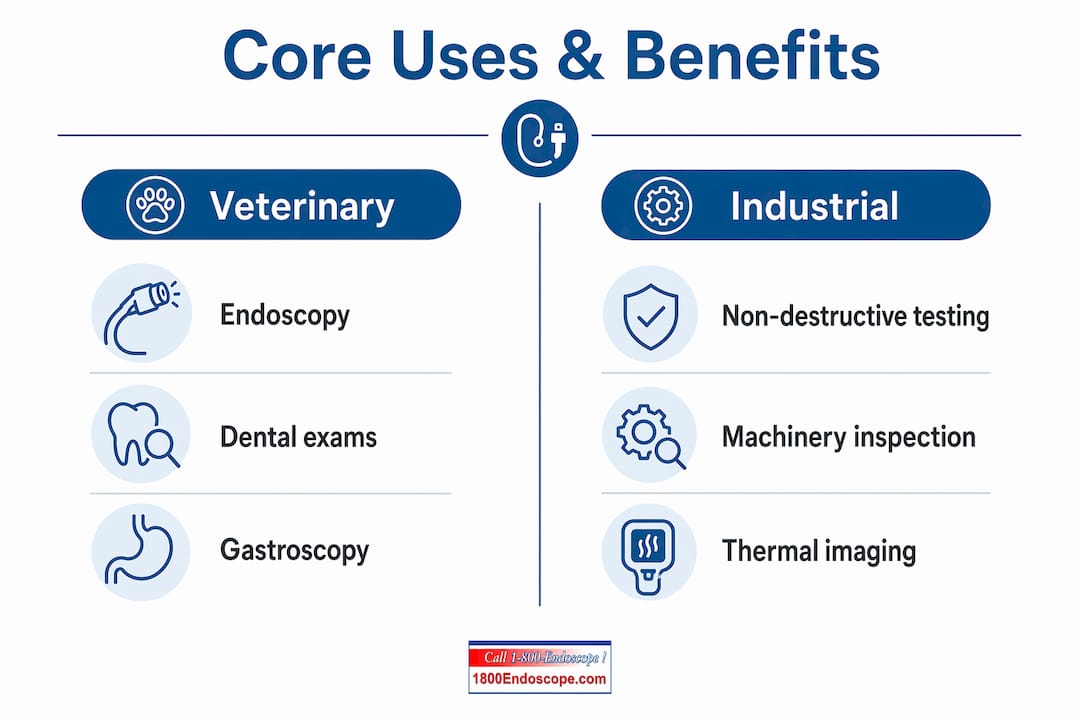
Veterinary diagnostics and endoscopy
In veterinary practice, a portable monitor pairs directly with a flexible or rigid endoscope to visualize internal anatomy. A veterinarian performing an airway inspection on a horse, for example, uses a portable airway endoscopy system that combines a 6mm insertion tube with a dedicated monitor and SD card recording. The monitor displays the live feed while the clinician guides the scope, and the recording captures the full procedure for documentation or client review.
Equine dental exams use the same principle. A portable dental videoscope with a built-in monitor lets a veterinarian inspect molars and premolars in a standing horse without sedation or a separate display cart. The portability is not a convenience feature. It is a clinical requirement when working in a barn or field setting.
Gastroscopy in small animals follows the same workflow. A gastroscope paired with a portable monitor allows a technician to document gastric findings, record video, and generate reports without a fixed endoscopy suite. Real-time PDF and CSV reporting built into some units means the documentation happens during the procedure, not after.
Industrial non-destructive testing and machinery inspection
Industrial technicians use portable inspection monitors with borescopes to examine engine cylinders, turbine blades, weld joints, and pipe interiors without disassembly. Pairing a borescope with a portable monitor enables 1080p HD visualization inside confined spaces where a fixed workstation is impossible. A technician inspecting an aircraft engine on the tarmac or a pipeline weld in a trench needs a self-contained display that works in those conditions.
Electrical and HVAC diagnostics add another layer. Thermal imaging cameras that connect to portable monitors reveal heat patterns in electrical panels and duct systems that are invisible to the naked eye. The monitor becomes the diagnostic interface, not just a display.
Advanced field systems like the PIS200 take this further. That unit integrates a DVR, HD screen, and multiple video outputs including SDI and DVI-D into a portable case, functioning as a complete mobile inspection station. That level of integration is common in pipeline inspection, structural assessment, and industrial quality control.
How to choose the right portable inspection monitor
Selecting the right unit requires matching five variables to your specific inspection environment. Getting one wrong means buying equipment that fails in the field.
Display size and resolution
Screen size affects how much detail you can see during a live procedure. A 5-inch screen works for a quick engine check. A 7-inch or larger screen is the minimum for veterinary endoscopy, where identifying tissue abnormalities requires seeing fine detail. Resolution should be at least 1080p full HD. Lower resolution loses detail in narrow-diameter scopes.
Input compatibility
Your monitor must match your camera's output. Choosing the wrong interface means no signal or a degraded image. SDI is standard in broadcast-grade industrial systems. HDMI covers most modern videoscopes. USB-C is common in newer compact systems. Confirm the output on your endoscope or borescope before selecting a monitor.
Durability rating
IP65 is the minimum for most industrial and veterinary field work. IP67 adds full immersion protection, which matters in wet dissection environments or outdoor inspections in rain. Confirm the IP rating covers the specific contaminants in your work environment, not just water.
Battery life and power options
A field inspection shift can run 6–10 hours. A monitor that dies after 4 hours creates a workflow problem. Look for units with replaceable battery packs or a DC power input so you can run from a vehicle or generator when needed.
Video recording and reporting
Documentation during inspection is now a professional standard in both veterinary and industrial contexts. Onboard recording to SD card, plus report export in PDF or CSV format, saves significant time compared to manual post-procedure documentation.
Pro Tip: Always verify that the monitor's recording format is compatible with your practice management or asset management software before purchasing. MP4 is the most universally accepted format.
The table below summarizes the key selection criteria by use case:
| Criteria | Veterinary use | Industrial use |
|---|---|---|
| Minimum screen size | 7 inches | 5 inches |
| Resolution | 1080p full HD | 1080p full HD |
| IP rating | IP65 minimum | IP65 or IP67 |
| Primary input | HDMI or USB-C | SDI, HDMI, or composite |
| Recording | SD card video | SD card video and PDF report |
| Battery life | 6+ hours | 6–10 hours |
What are the benefits of a dedicated inspection monitor over a smartphone or tablet?
A smartphone or tablet fails in the field for four specific reasons: durability, latency, control, and visibility. Each one directly affects diagnostic accuracy.
Durability is the clearest gap. A consumer device dropped in a hydraulic fluid spill or exposed to surgical irrigation is destroyed. A ruggedized inspection monitor with IP65 or IP67 certification survives those conditions by design. The cost of replacing a consumer device after one field failure exceeds the price difference between the two categories.
Latency matters more than most technicians expect. A smartphone receiving a wireless video feed introduces 200–500 milliseconds of delay. That delay makes it nearly impossible to guide a flexible endoscope with precision. A dedicated monitor with a direct SDI or HDMI input delivers near-zero latency, which is the difference between a confident procedure and a frustrating one.
Dedicated controls on a ruggedized inspection monitor allow technicians to freeze frames, adjust exposure, and start recordings while wearing gloves, in conditions where a touchscreen is completely non-functional. That operational reliability is not a minor convenience. It is a clinical and safety requirement in both veterinary and industrial inspection work.
Visibility in bright environments is the fourth factor. Consumer screens wash out in direct sunlight or under bright surgical lighting. High-brightness IPS panels on purpose-built inspection monitors maintain image clarity in those conditions. Integrating inspection cameras with a dedicated monitor produces a diagnostic workflow that a smartphone simply cannot replicate.
Key Takeaways
A portable inspection monitor is the single most important display investment a field technician can make for accurate, real-time diagnostics in veterinary and industrial environments.
| Point | Details |
|---|---|
| Definition and purpose | A portable inspection monitor is a rugged, field-ready display built for real-time camera and endoscope feeds. |
| IP ratings matter | IP65 and IP67 certifications protect against oils, fluids, and dust in demanding field conditions. |
| Input compatibility is critical | Match the monitor's video input (SDI, HDMI, USB-C) to your specific camera or endoscope output before buying. |
| Dedicated controls outperform touchscreens | Physical buttons allow reliable operation with gloves, which touchscreens cannot support. |
| Documentation is built in | Onboard video recording and report export eliminate manual post-procedure documentation. |
What I've learned from years of watching technicians choose the wrong monitor
The most common mistake I see is treating a portable inspection monitor as a commodity screen. Technicians compare price and screen size, then discover in the field that the monitor lacks the right input, dies after three hours, or washes out under barn lighting. That mistake costs more in lost time and repeat procedures than the price difference between a budget unit and a purpose-built one.
The second mistake is underestimating how much glove-compatible controls matter. A veterinarian mid-procedure cannot stop to remove gloves to tap a touchscreen. An industrial technician inside a confined space cannot manipulate a glass panel with work gloves on. Physical buttons are not an old-fashioned design choice. They are a functional requirement.
The trend I find most significant right now is the convergence of AI-assisted image analysis with portable monitor hardware. Units are beginning to ship with onboard processing that flags abnormalities in real time, which could change how veterinary endoscopy and industrial NDT are practiced. That capability is still maturing, but the direction is clear. The monitor is becoming a diagnostic tool, not just a display.
My honest advice: buy for your worst-case field condition, not your average one. If you work outdoors, buy for rain. If you work in a barn, buy for dust and fluid. The video recording features matter as much as the display quality, because documentation is now part of the standard of care in both veterinary and industrial inspection.
— Endoscope
Portable inspection monitors and endoscope systems at 1800endoscope
1800endoscope carries a full range of portable inspection monitors designed specifically for veterinary and industrial applications, not adapted consumer screens.
The portable airway endoscopy system combines a 6mm insertion tube with a dedicated monitor and SD card recording in a single field-ready unit. The full product catalog covers videoscopes, borescopes, light sources, and accessories compatible with the monitors listed. Every unit ships with direct support from a team that specializes in endoscopic equipment for veterinary clinics, equine practices, and industrial inspection firms. Contact 1800endoscope directly for guidance on matching a monitor to your specific camera system and workflow.
FAQ
What is a portable inspection monitor used for?
A portable inspection monitor displays real-time video from connected endoscopes, borescopes, or inspection cameras during veterinary procedures and industrial diagnostics. It replaces fixed workstation screens in field and mobile inspection environments.
What IP rating does a portable inspection monitor need?
IP65 is the minimum for most veterinary and industrial field use, providing protection against dust and water jets. IP67 adds full immersion protection for wet dissection or outdoor inspection in rain.
Can I use a tablet instead of a dedicated inspection monitor?
A tablet lacks the IP-rated housing, physical glove-compatible controls, and low-latency dedicated video inputs that field inspection requires. Dedicated inspection monitors outperform tablets in durability, visibility, and signal reliability.
What video inputs should a portable inspection monitor have?
The most common inputs are HDMI, SDI, composite, and USB-C. Match the monitor's input to your specific endoscope or borescope output to avoid signal loss or image degradation.
How long should a portable inspection monitor battery last?
A field-ready inspection monitor should deliver at least 6 hours of continuous use. Units with replaceable battery packs or DC power inputs extend that range for full-day inspection shifts.